
Police Chase AI Video
One photo, a market sprint with police on your heels, a bus-roof run and a steel-tower climb. A 10-second HD clip for $4.99, paid once. Independent tool, not affiliated with TikTok, any app or any police force. This is a fictional AI stunt: never copy dangerous driving or run from the police in real life. When you post it, label it as AI-generated on TikTok, Reels or Shorts.
The police chase AI trend, explained
The police chase AI video turns one ordinary photo into a short action scene: you sprint through a busy market, run along the roof of a moving bus with a police car behind it and climb a steel tower while the officers gather below. It is a fictional, AI-made stunt with no real police, badges or departments, and the joke is a normal selfie turning into an action hero.
Also called: AI police running video · Police running trend · Police AI video · Bus roof chase AI
Make your police chase video
Add a photo first. Vertical 9:16, 10 seconds, 720p HD MP4 with an original action sound. Original beat; add the trending song when you post. No watermark. If it fails, your credit comes back automatically; if we can't confirm it was made, support sorts it out. Not right? One free remake per account, within 14 days.
By Deerlight Labs · support@deerlightlabs.com · Stripe / PayPal · Photos auto-deleted in 7 days, or delete now
By Deerlight Labs · support@deerlightlabs.com · Stripe / PayPal · Photos auto-deleted in 7 days, or delete now
Made with Meme Parade
AI examples, compressed so the page loads fast. Your download is the full 720p HD video with no watermark.
Pricing
Vertical 9:16, 10 seconds, 720p HD MP4 with an original action sound. No watermark. AI-generated example featuring a fictional adult.
Questions
What is the police chase AI video?
An AI video trend where one photo makes you the runner in a short police chase: a sprint through a street market with officers close behind, a run along a moving bus roof with a police car following, and a climb up a steel tower. It is a fictional stunt, not real footage, and nobody gets hurt.
How do I make the AI police running video?
Upload one clear photo of yourself or a consenting adult and pay once. It usually takes a few minutes; busy times can take longer. The scene, camera moves and sound are set for you, so you do not write a prompt or install an app. Download the MP4 when it is ready; it waits in My videos.
Police AI video kaise banaye?
It means "how do I make the police AI video?". Add one clear photo of your face, pay once and download your 10-second police chase video. No editing app is needed; it works in your phone browser.
Is this the police chase trend from TikTok?
It recreates the idea of the police chase trend on TikTok with our own original prompt and sound. Our clip is vertical 9:16 and 10 seconds. This site is independent and not affiliated with TikTok, any app template or any creator.
Are the police real?
No. The officers are fictional, in plain generic uniforms with no real badges, patches or department names. The video shows no weapons, no fights and no crashes, and the officers never catch you. Please do not present it as real footage.
Can I post it on TikTok, Reels or Shorts?
Yes, as an AI video. TikTok, Instagram and YouTube ask you to label realistic AI-generated content, so turn on the AI-generated label when you post and do not present the clip as real footage or as a real arrest. The stunt is fictional and should not be copied in real life.
How much does it cost? Is there a subscription?
1 HD video: $4.99; 3 HD videos: $11.99; 10 HD videos: $29.99. One-time packs, no subscription. One video is 10 seconds in 720p with sound and no watermark. Confirmed technical failures return the video credit.
Which photos can I use?
Yourself or one adult who agreed to appear. A sharp, front-facing chest-up or waist-up photo in good light works best. No children and no celebrities.
Does it have sound?
Yes. Your video has an original action sound: a fast drum beat, a whoosh on each jump and street noise. It is not the trend’s TikTok sound; add that in the app when you post if it is available to you.
How to add the trending sound
Search for police chase. Preview the sound before sharing; adding a track does not automatically sync every move or word.
TikTok
Upload your downloaded MP4 with the + button.
Tap Add sound and search for "police chase". Choose the track if it is available to your account.
Adjust the song excerpt and volume. Lower the original audio to avoid two tracks playing together.
Turn on the AI-generated content label before posting and keep any automatic AI label on.
Instagram Reels
Create a Reel and upload the MP4 from your camera roll.
Open the music picker and search for "police chase". Availability varies by account and region.
Choose the excerpt, then lower the clip audio and adjust the music volume in the audio controls.
Use the AI disclosure option before sharing and keep the AI label on.
YouTube Shorts
In the YouTube app, create a Short and select your MP4. For a horizontal clip, first fit it inside a vertical canvas in your editor.
Tap Add sound and search for "police chase" in the Shorts library. Select it if available.
Choose the excerpt and balance the music against the original audio with the volume controls.
Disclose AI use in the upload settings and keep the resulting AI label on.
Troubleshooting
My face looks less like my photo
Use one sharp, front-facing photo in daylight, chest-up or waist-up, with nothing covering the face. Fast action is hard for AI video, so identity can drift during the jumps; each generation is a new take.
Someone in the background got my face
The prompt keeps your face on the runner only, but AI can mix faces. One person per photo helps. A finished take you dislike is not a failed task: use the free remake (one per account, for a paid video made in the last 14 days), or contact support about a clear problem.
My photo was refused
Use one consenting adult with a visible face. Photos with minors or sexual content are refused. Several people or no clear person in the photo gets a warning, not a refusal; you can still go ahead. Celebrities are not allowed: there is no automatic check, but we remove videos we find or that are reported. Retry later if checks are unavailable.
The video failed
Confirmed generation failures return the video credit automatically. An unconfirmed submission may need support review. Check My videos for status before trying again.
More AI meme videos
 First Time in a Fancy Cafe
 Bicep Heart
 Laughing Fairy
 Rumpelstiltskin
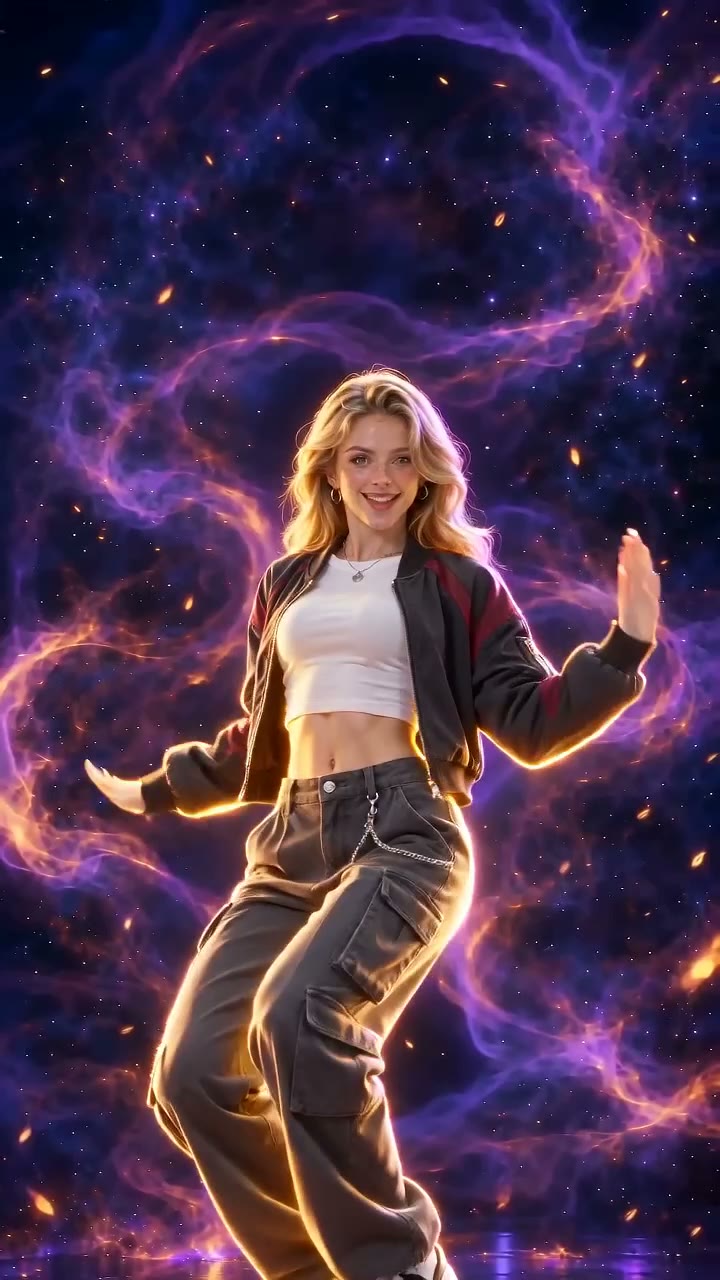 Firestarter Dance
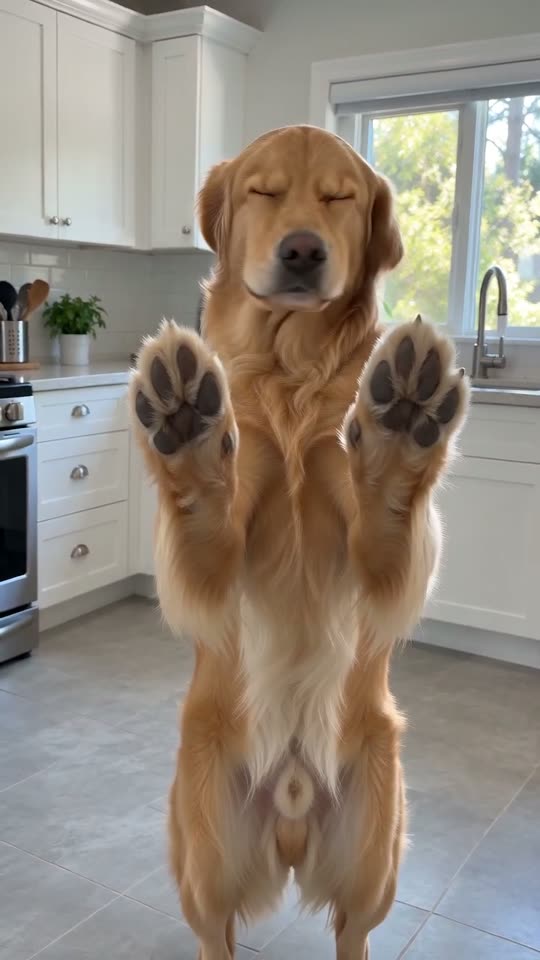 Bad Times
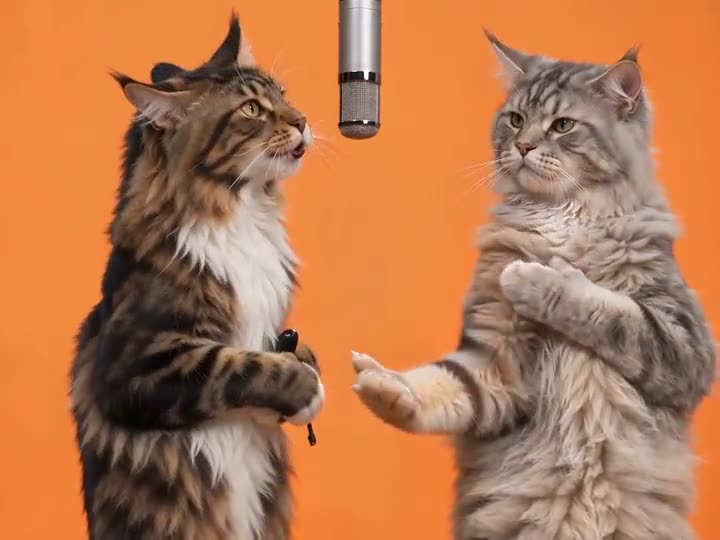 Hotel Lobby
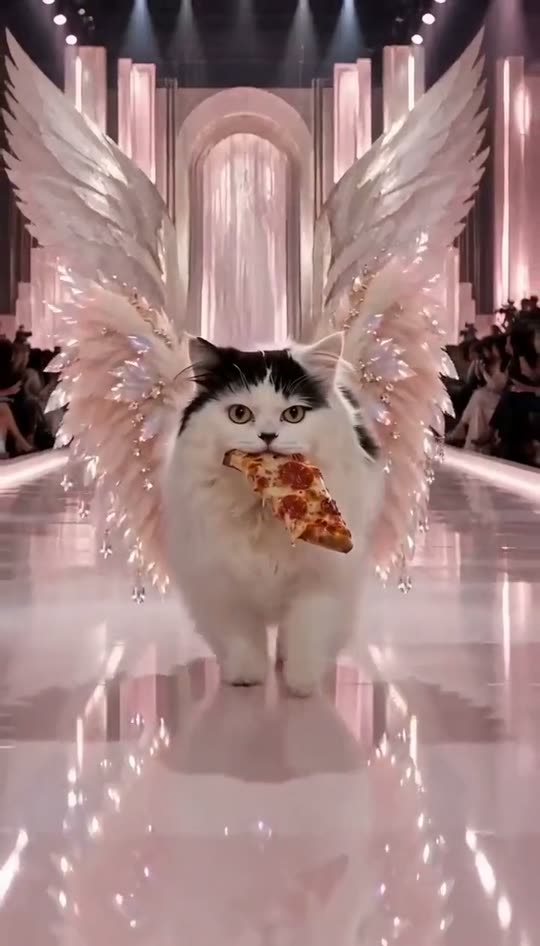 Angel Runway
 Akon Selfie
 Polar Bear 2026
Browse AI Pet Meme Videos, AI Meme Videos With a Friend, AI Dance Video Generator, AI Cat Video Generator, AI Dog Video Generator or all effects.