Bicep Heart AI
Turn one photo into a bicep heart. A 4-second HD video for $4.99, paid once.
Also called: Biceps heart · Heart bicep trend · Send bicep hearts
- Upload
- Generate
- Download
Make your bicep heart video
Add a photo first. Vertical 9:16, 4 seconds, 720p HD MP4. Silent; add a sound when you post. No watermark. If it fails, your credit comes back; first one not right? One free remake.
By Deerlight Labs · support@deerlightlabs.com · Stripe / PayPal · Photos auto-deleted in 7 days, or delete now
By Deerlight Labs · support@deerlightlabs.com · Stripe / PayPal · Photos auto-deleted in 7 days, or delete now
Made with Meme Parade
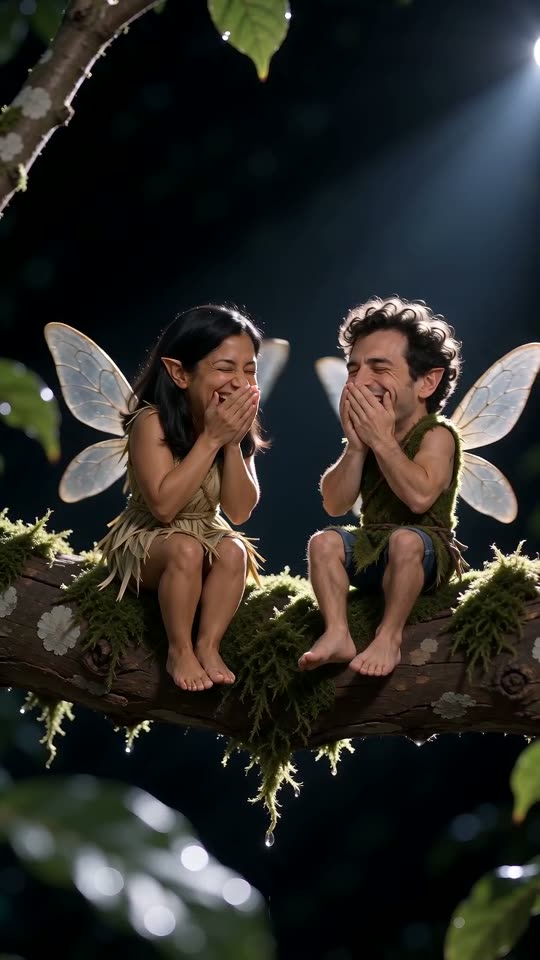
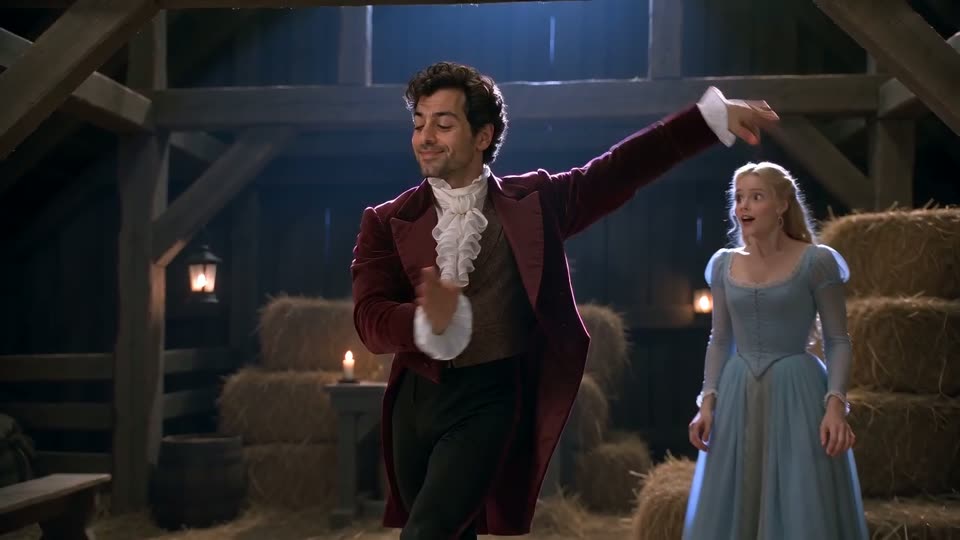
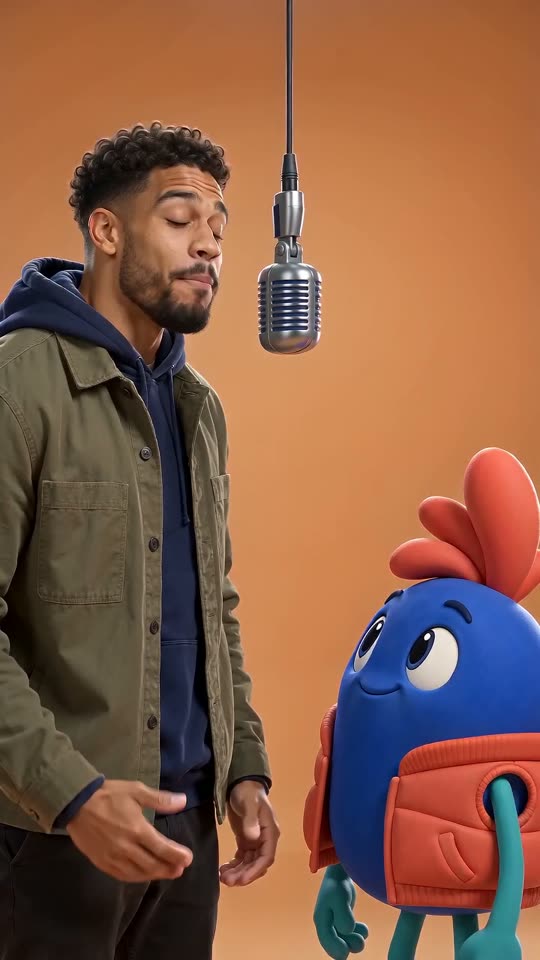
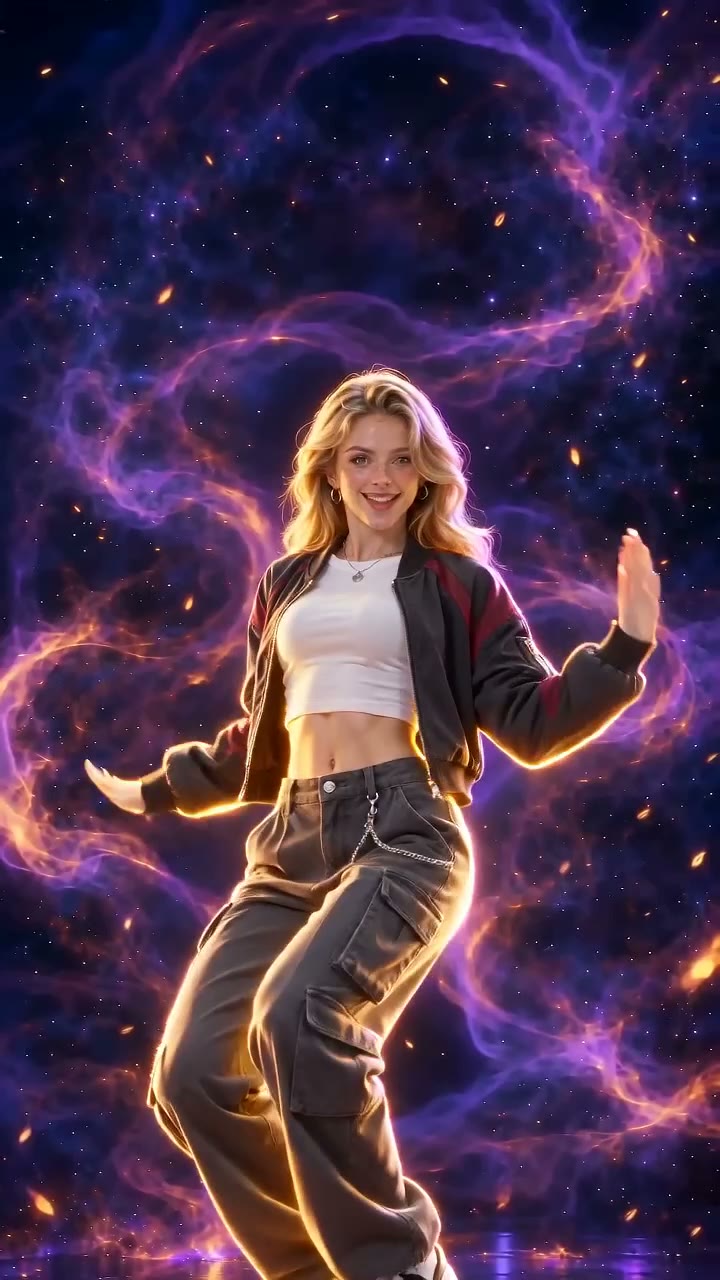
AI examples, compressed so the page loads fast. Your download is the full 720p HD video with no watermark.
Pricing
Vertical 9:16, 4 seconds, 720p HD MP4. Silent, no watermark: add a sound when you post. AI-generated example.
Questions
What is the bicep heart trend?
You flex one arm, bend that wrist downward, and curve the other hand above the bicep so the hands and arm outline a small heart. It is a playful pose, also called biceps heart or the heart bicep trend.
How do I make a bicep heart AI video?
Upload one clear photo of yourself or a consenting adult with both arms in view. Pay once, wait for the video, then download the MP4. The pose is set for you, so you do not need to write a prompt or film yourself.
How much does it cost? Is there a subscription?
1 HD video: $4.99; 3 HD videos: $11.99; 10 HD videos: $29.99. One-time packs, no subscription. One video is 4 seconds in 720p with no watermark. Pay before generation; confirmed technical failures return the video credit.
Will it make the exact pose and keep my appearance?
Our sample shows the bicep pose made with this effect. AI results vary: fingers may not meet perfectly, and face, clothing or body details can change. Short sleeves and both arms visible give the clearest input. A completed result is not automatically refunded for a different pose; contact support about a problem.
Does it include the original trend sound?
No. Your video is silent. Add a sound from your posting app if it is available to your account and region.
Which photos can I use?
Use yourself or one adult who agreed to appear. A front-facing waist-up photo in good light works best; show both arms and preferably wear short sleeves. No children or celebrities.
How long does it take? Do I need an app?
Usually a few minutes. It works in your phone or desktop browser, and your finished clip appears in My videos. No app installation is needed.
Where the Bicep Heart trend comes from
: The shared pose pairs a flexed arm with curved hands above the bicep. One reference uses the caption "have you ever heard of a bicep heart...". Watch the pose on TikTok
: Meme Parade tested text, still-pose and motion guidance. This page shows a real AI result from the motion-guided version; the original creator is not affiliated with this tool.
How to add the trending sound
Search for bicep heart. Preview the sound before sharing; adding a track does not automatically sync every move or word.
TikTok
Upload your downloaded MP4 with the + button.
Tap Add sound and search for "bicep heart". Choose the track if it is available to your account.
Adjust the song excerpt and volume. Lower the original audio to avoid two tracks playing together.
Turn on the AI-generated content label before posting and keep any automatic AI label on.
Instagram Reels
Create a Reel and upload the MP4 from your camera roll.
Open the music picker and search for "bicep heart". Availability varies by account and region.
Choose the excerpt, then lower the clip audio and adjust the music volume in the audio controls.
Use the AI disclosure option before sharing and keep the AI label on.
YouTube Shorts
In the YouTube app, create a Short and select your MP4. For a horizontal clip, first fit it inside a vertical canvas in your editor.
Tap Add sound and search for "bicep heart" in the Shorts library. Select it if available.
Choose the excerpt and balance the music against the original audio with the volume controls.
Disclose AI use in the upload settings and keep the resulting AI label on.
Troubleshooting
The fingers do not meet exactly
AI can change hand shape and finger contact. Use one clear waist-up photo with both arms visible and compare the sample before buying. Each generation can differ.
My sleeves or body details changed
Short sleeves and an unobstructed view of both arms work best. Keep hands out of pockets. AI may still change clothing, tattoos or proportions; exact preservation is not guaranteed.
The downloaded video is silent
The MP4 intentionally has no soundtrack. Add a sound available to your account in TikTok, Reels or Shorts when posting.
My video did not finish
Confirmed generation failures return the video credit automatically. Check My videos before retrying; contact support for an unconfirmed task or a completed result with a problem.